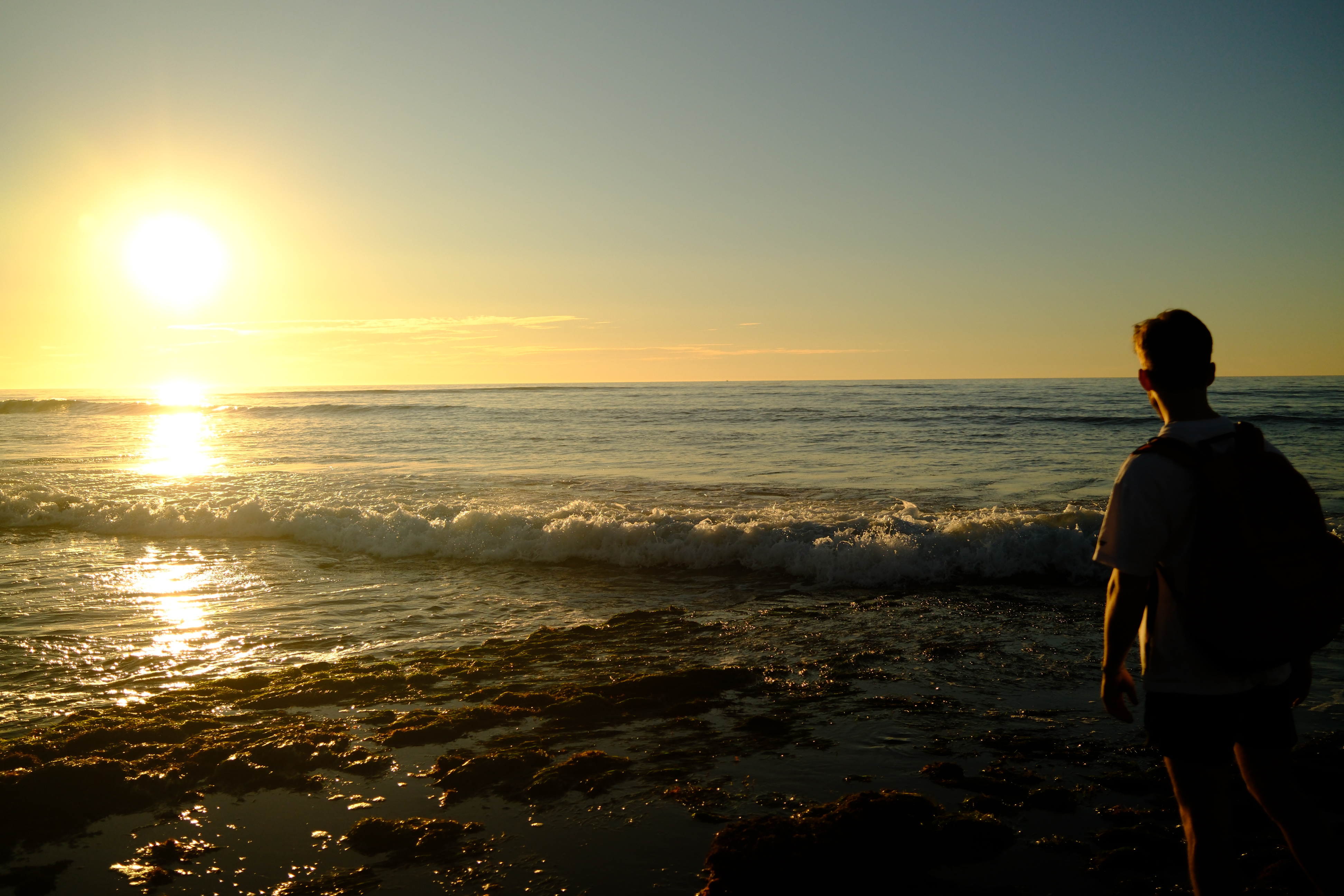
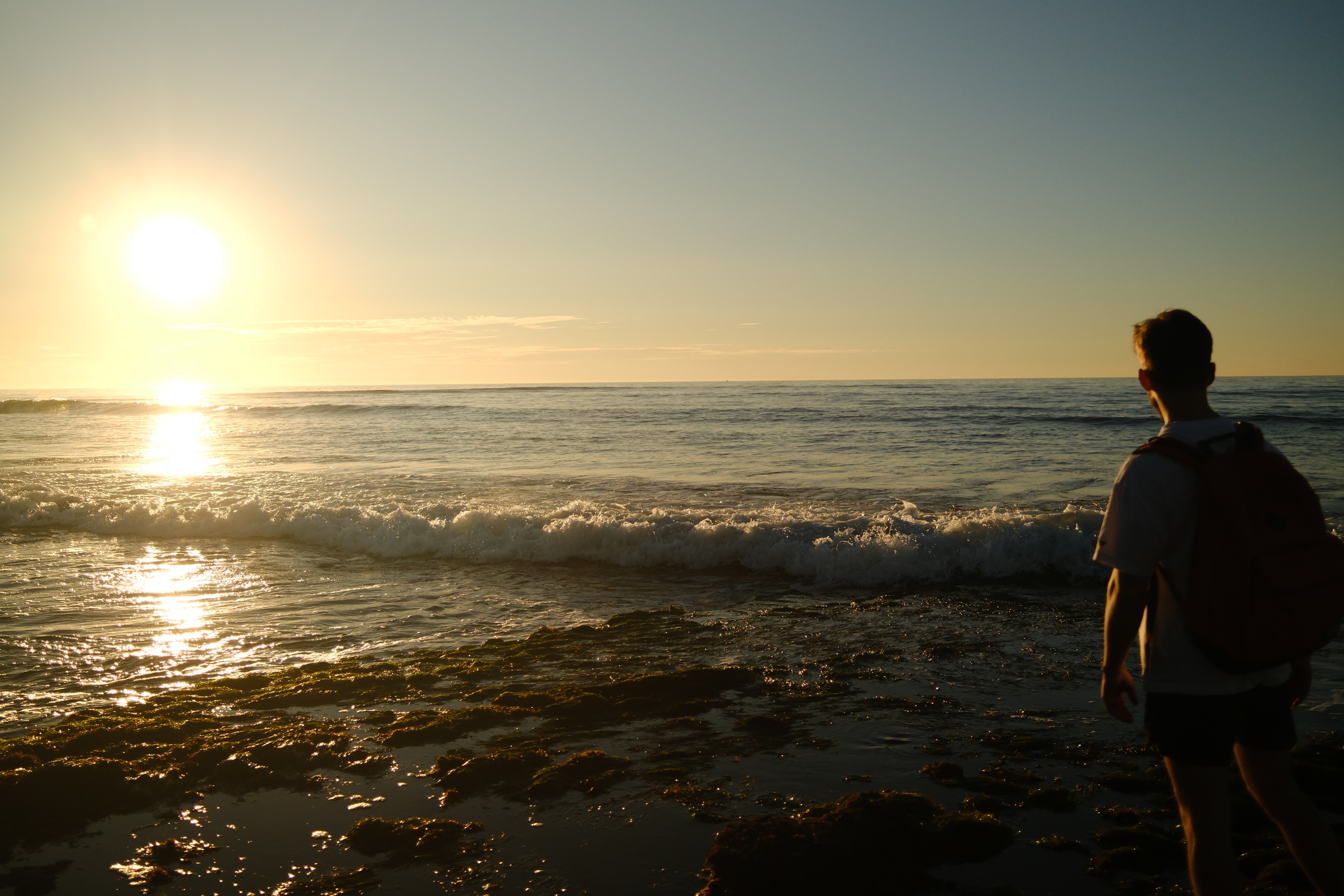
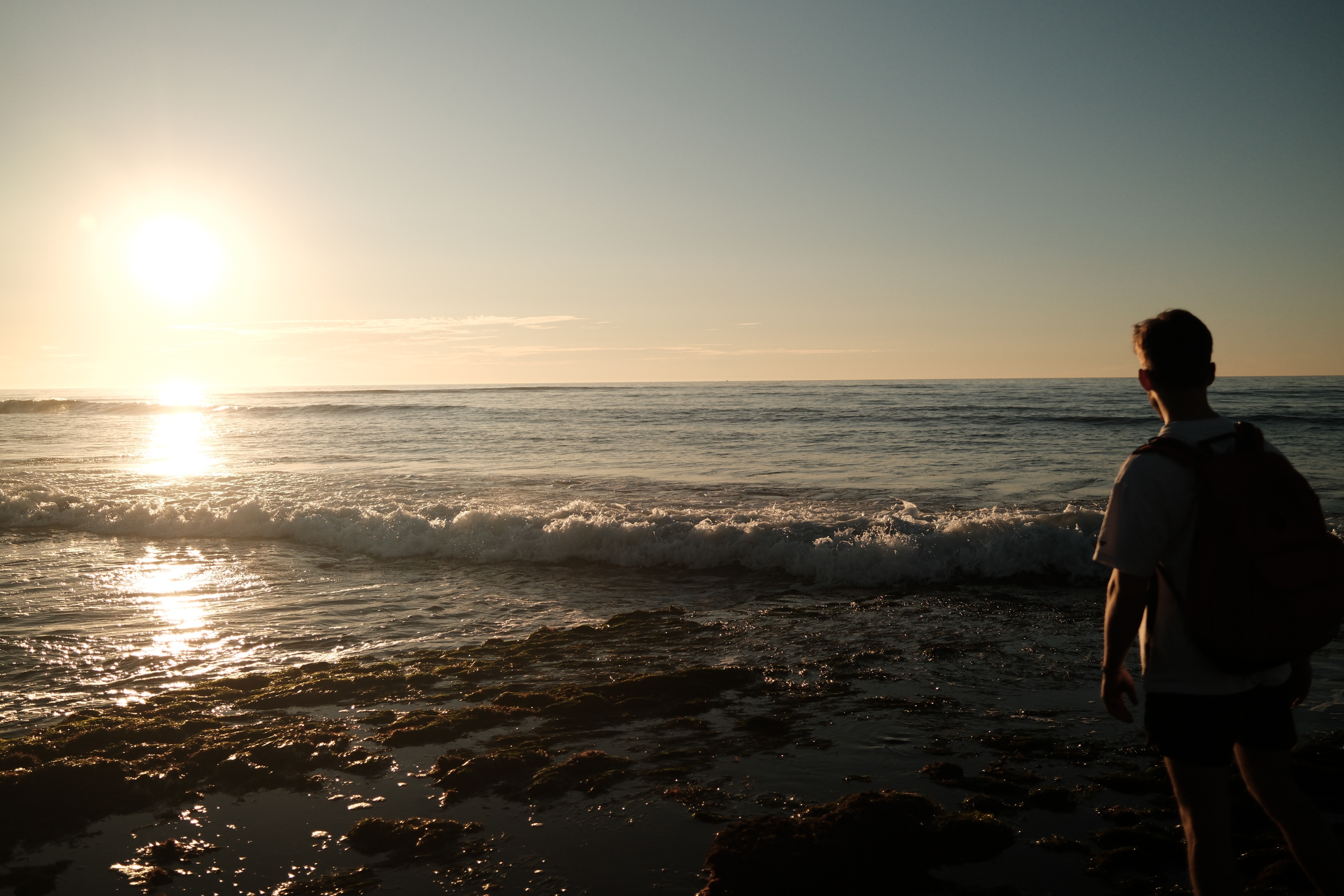
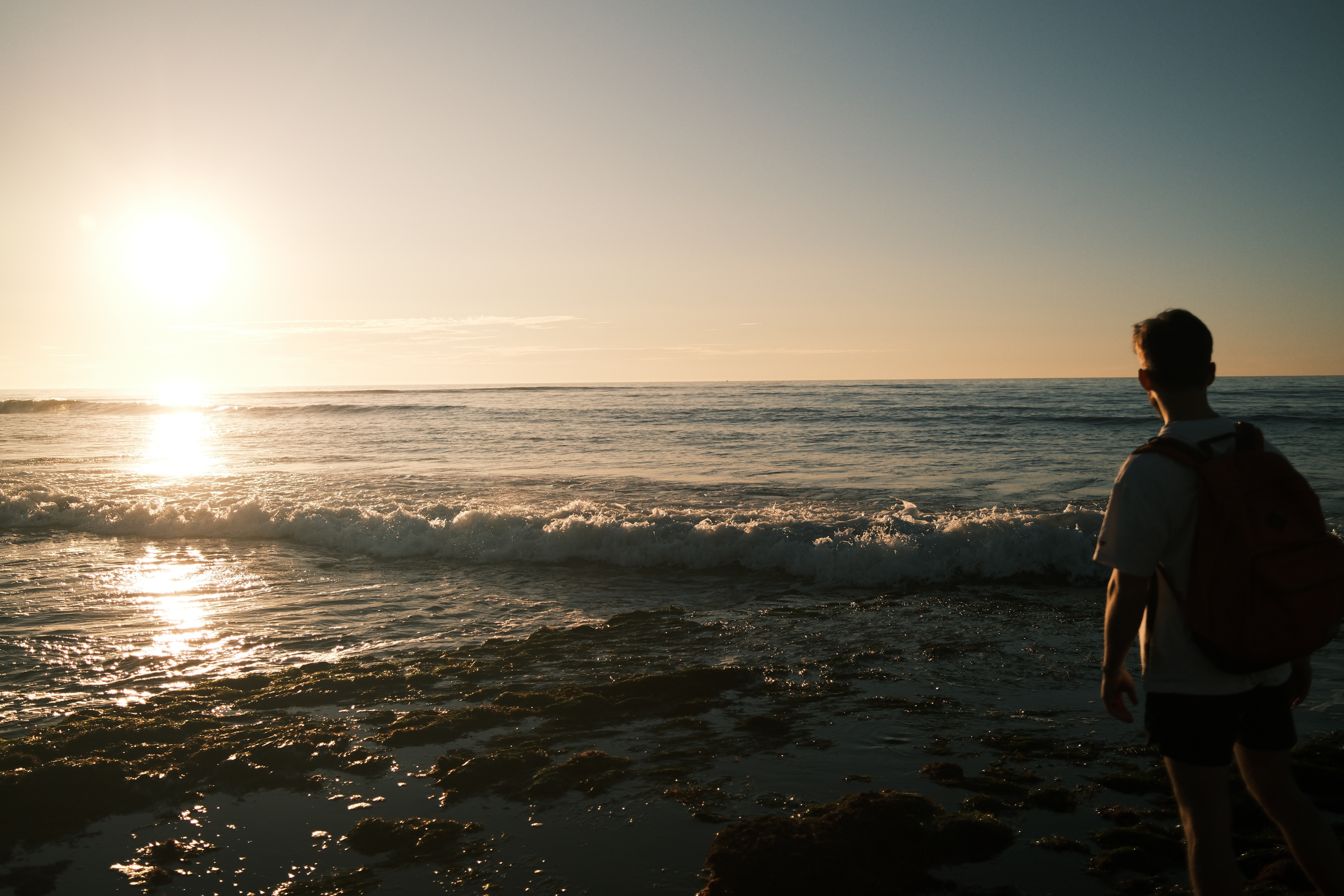
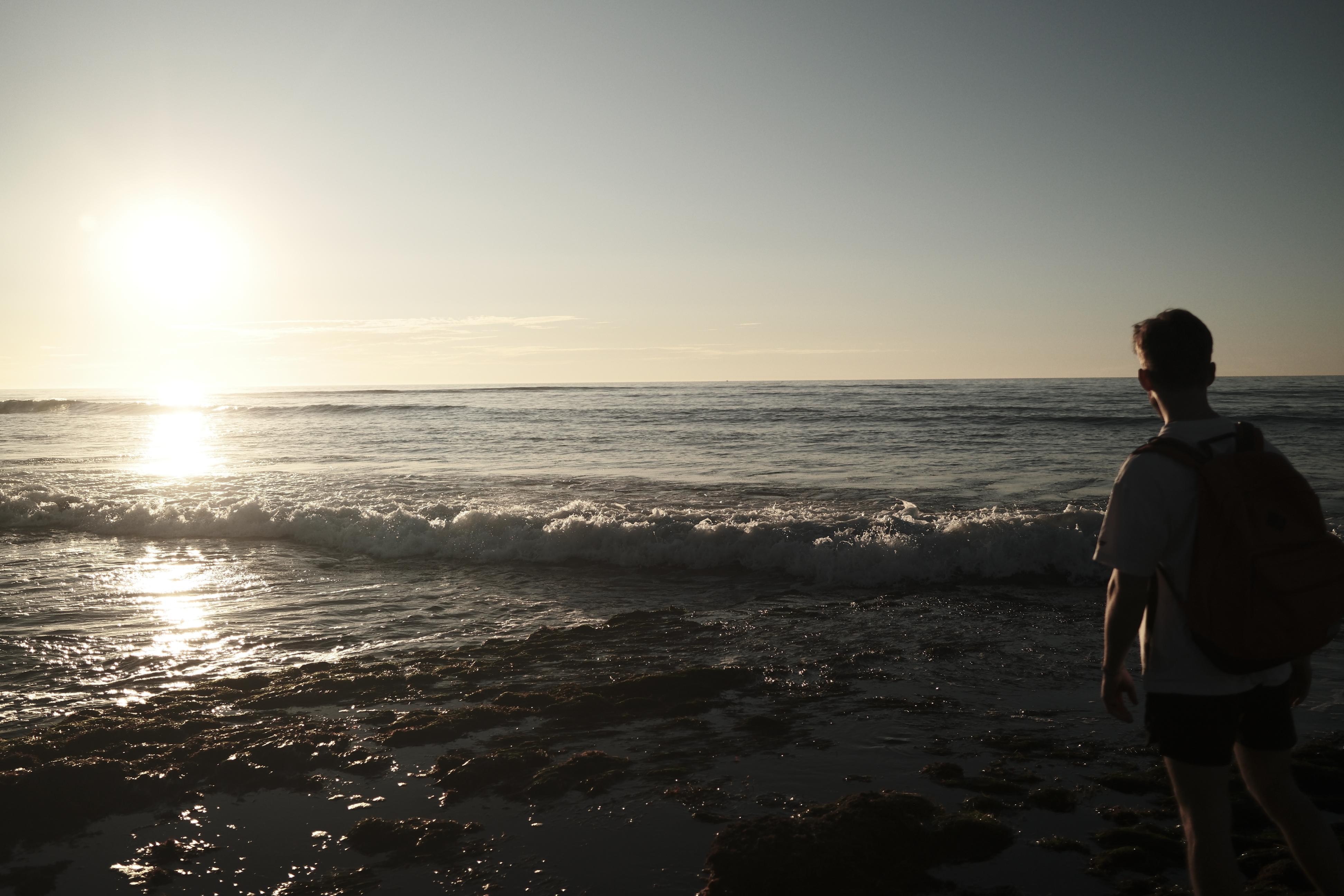
Built for Fujifilm X-Series

Your photos.
Your recipes.
One darkroom.

The only macOS tool that combines fast photo culling with real Fujifilm film simulation rendering. Dial in recipes, test variants side-by-side, and process RAFs through your actual camera hardware.

macOS 13.5+
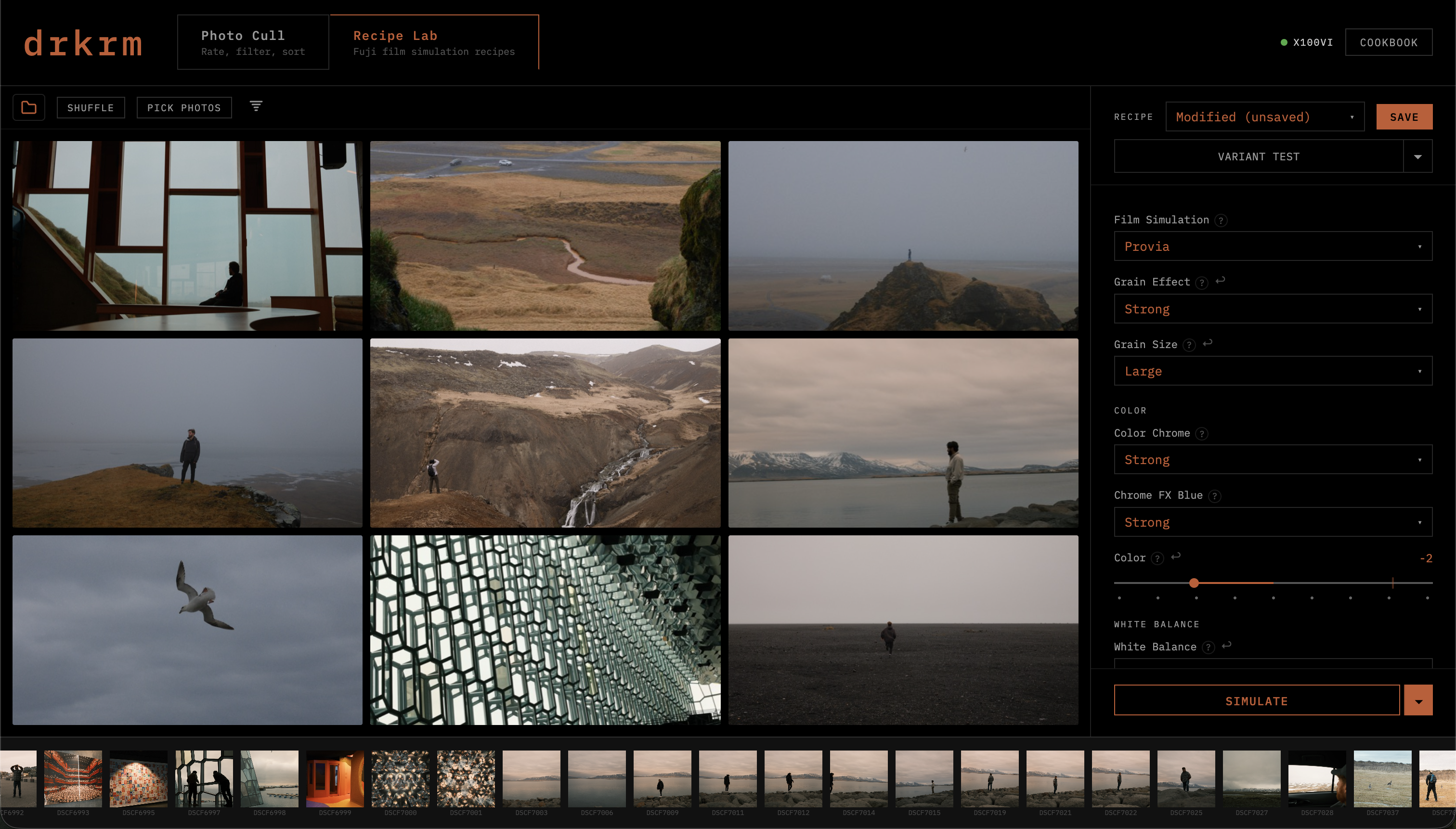
drkrm Recipe Lab
X100VI
01

Rate 3,000 photos
in minutes

Load an SSD, scrub through HEIF and JPEG files, rate with keyboard shortcuts. Ditch, maybe, like — one keystroke each. Sort rated photos into folders automatically. No import, no catalog, no waiting.

DSCF8910 photo in main cull view
Photo thumbnail in filmstrip
1
Ditch
2
Maybe
3
Like
0
Clear
02

Dial in your
film simulation

All 20 Fujifilm film simulations plus every recipe parameter — grain, color chrome, white balance shift, tone curves. Preview on a diverse 9-photo grid selected from your best shots. Import presets directly from your camera's custom slots.

DSCF3048 with Provia film simulation
Provia / Standard
Provia
Velvia
Astia
Classic Neg
Nostalgic Neg
Reala ACE
Acros
Classic Chrome
Eterna
Bleach Bypass
03

Compare every
option at once

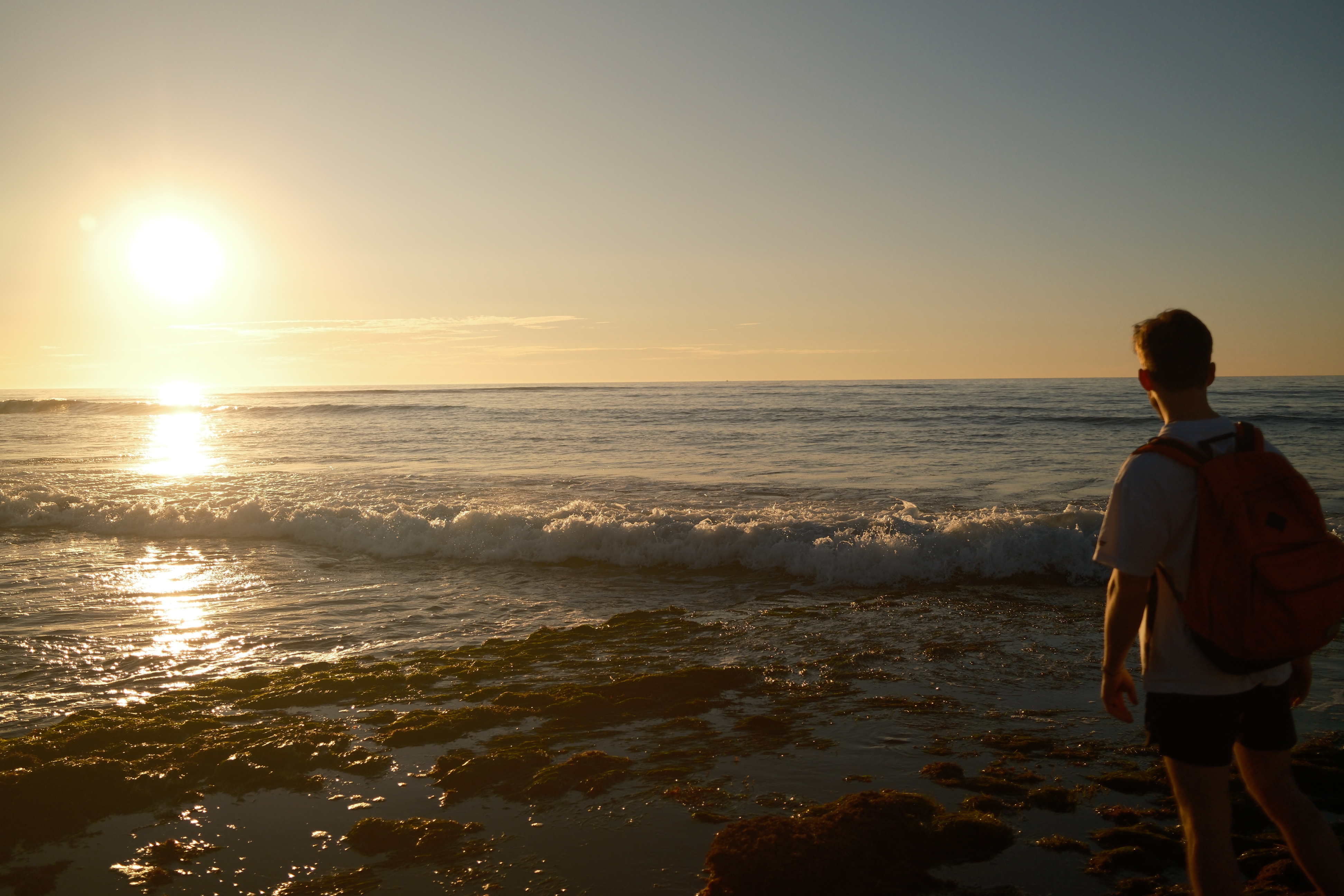
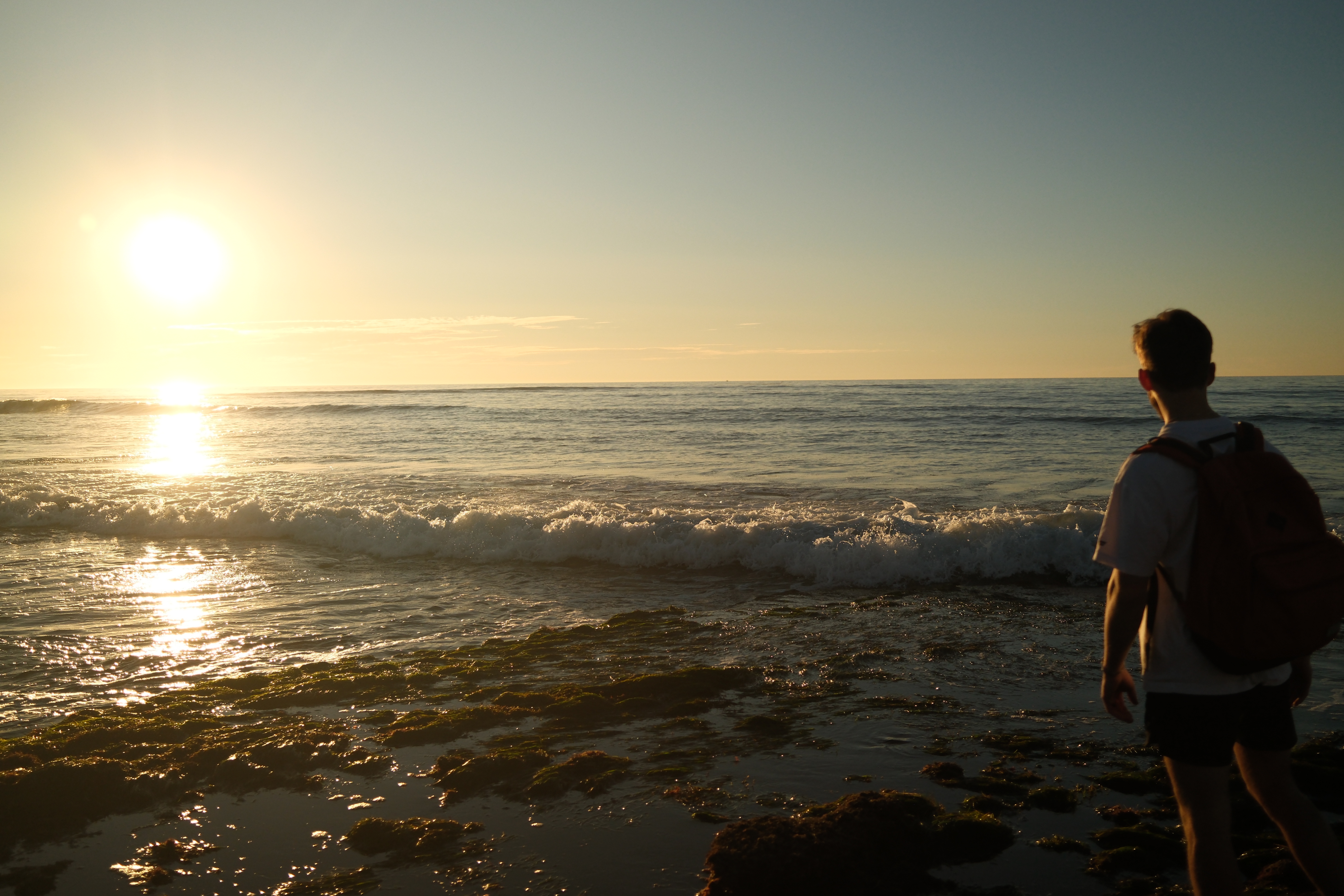
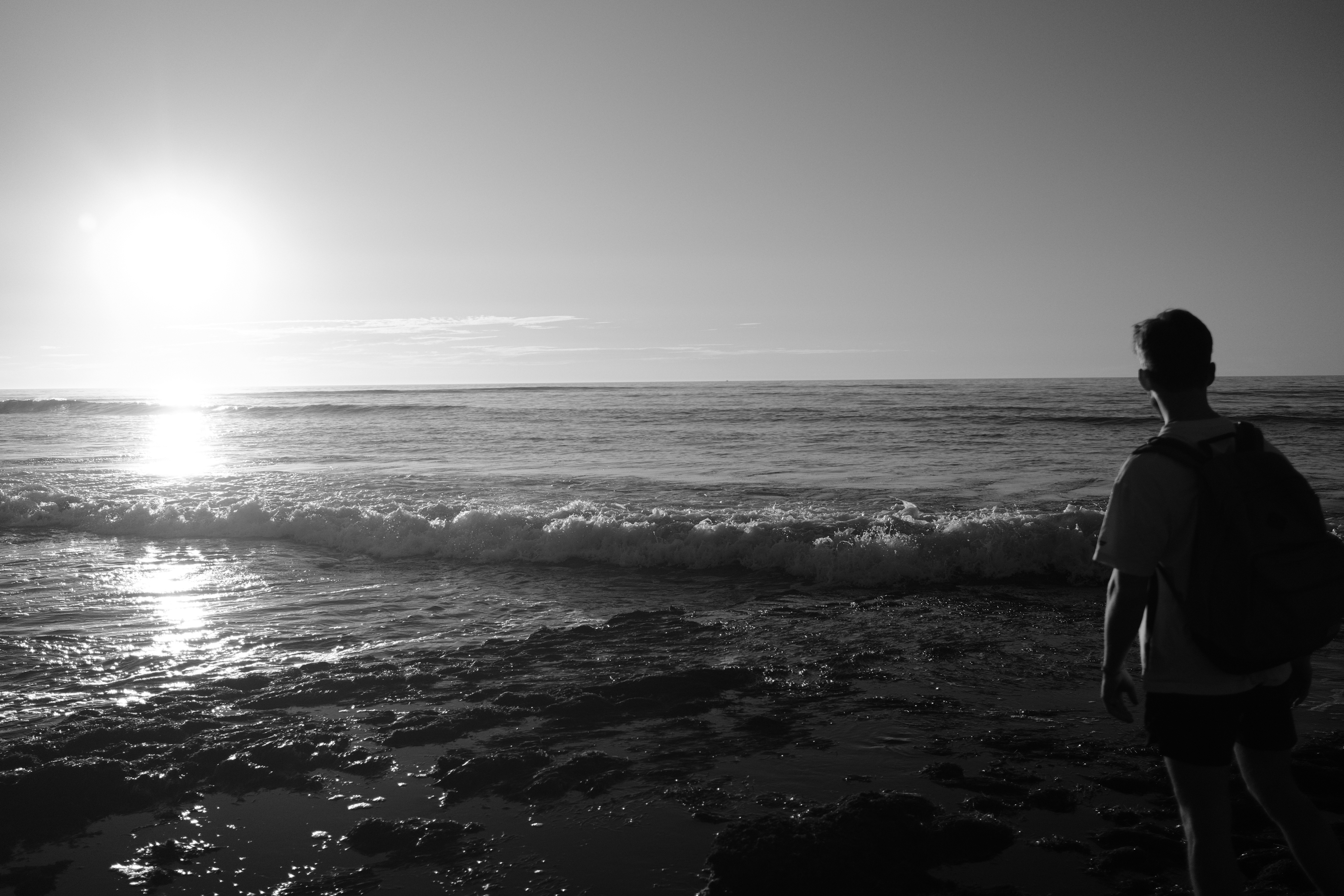
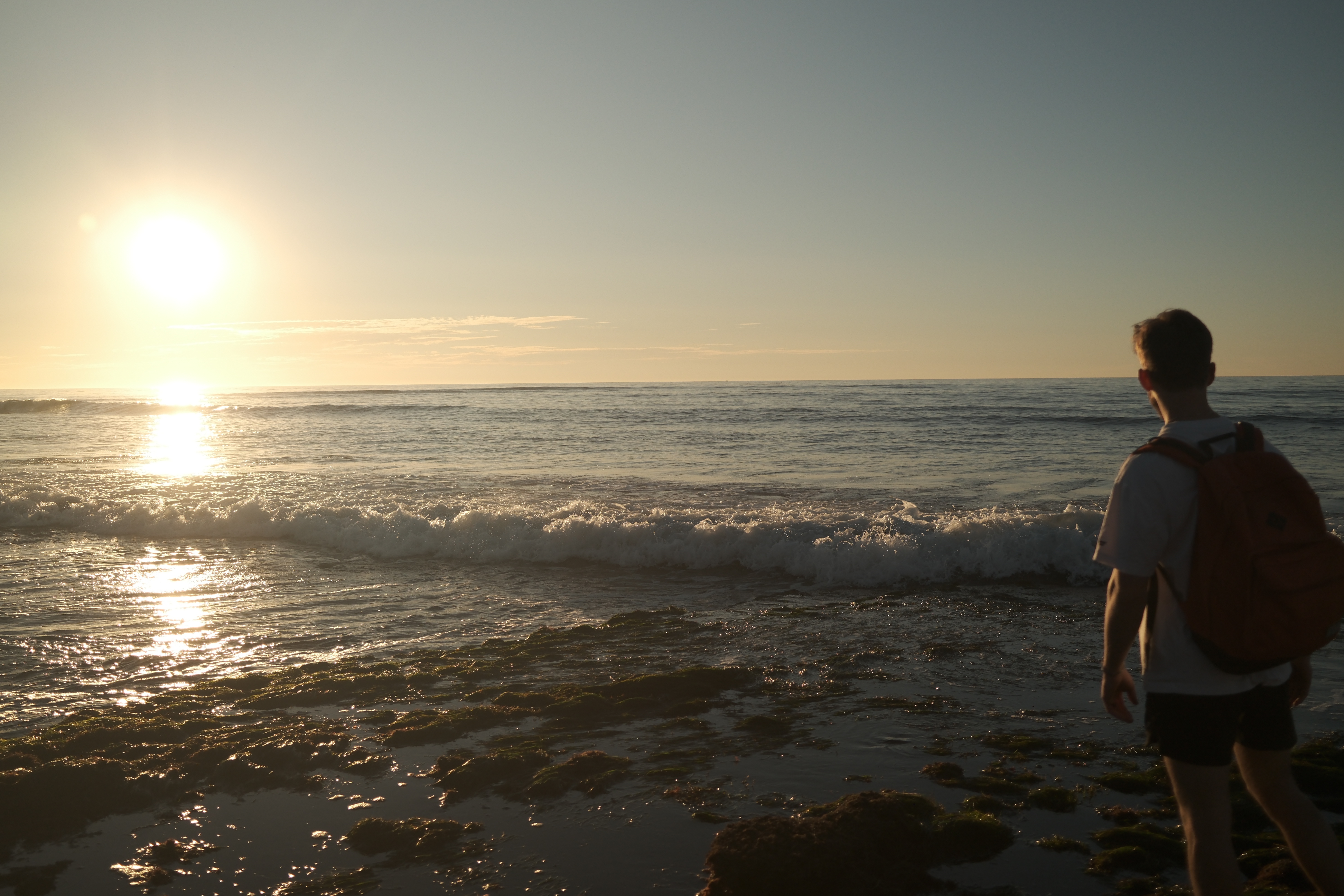
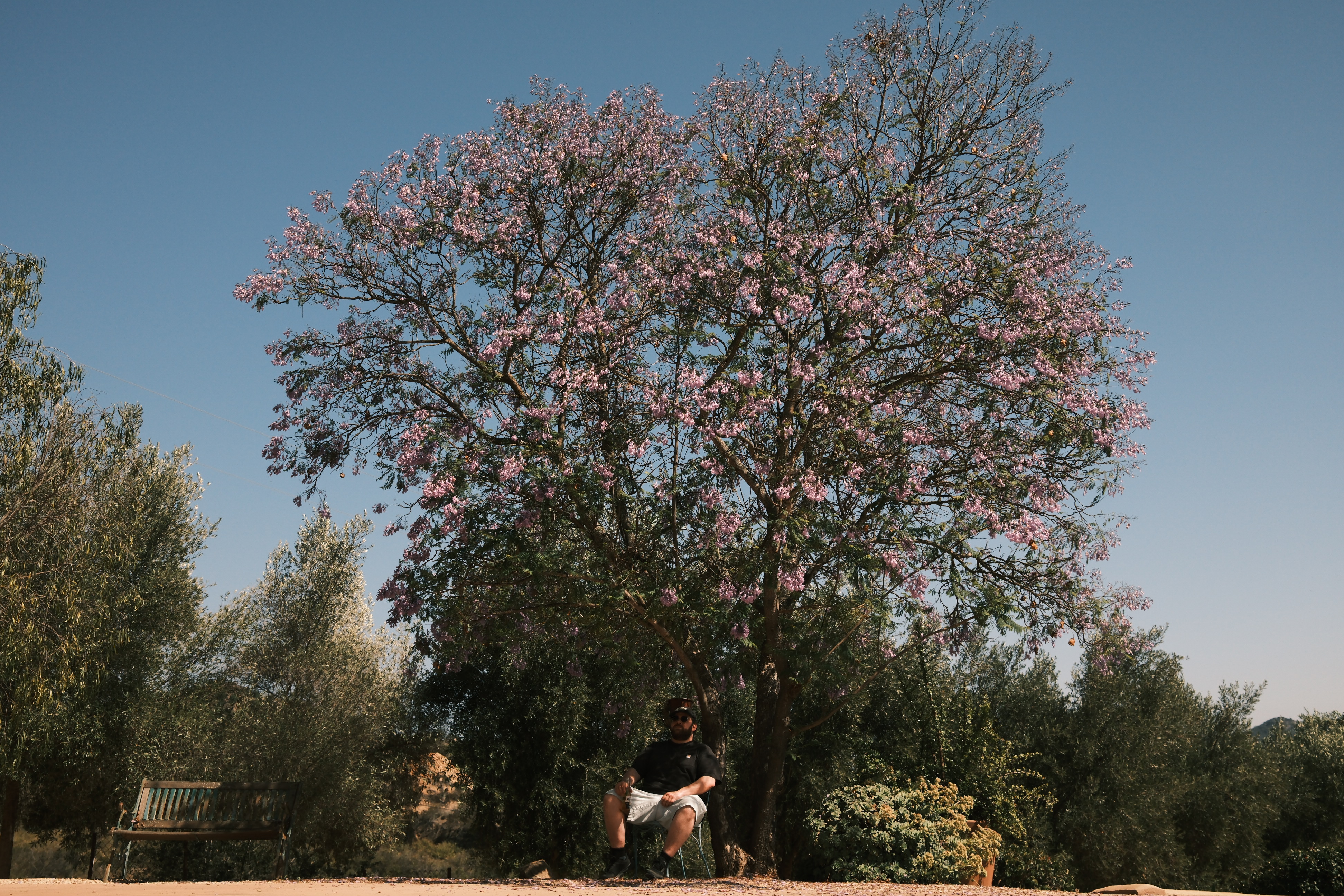
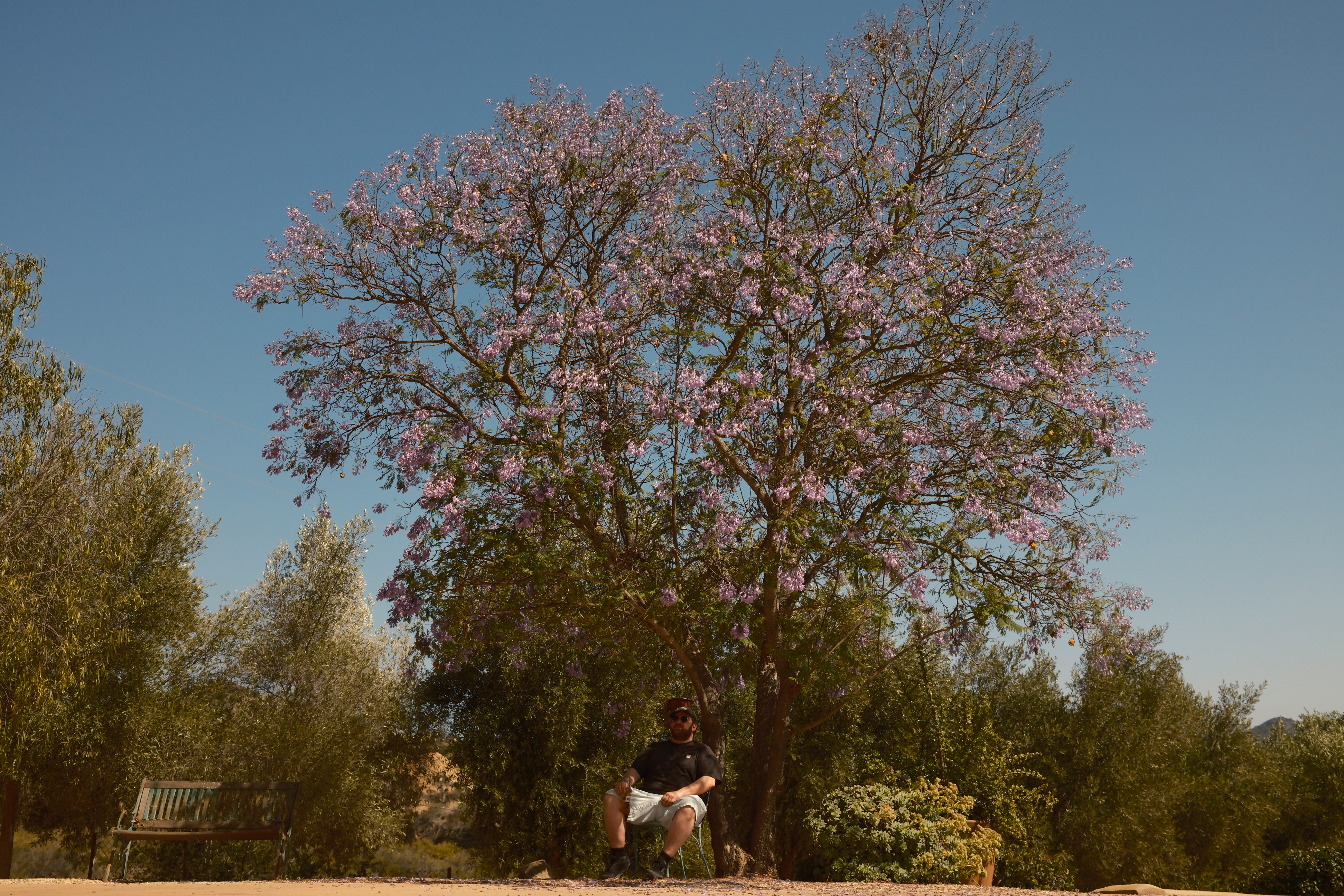
Pick any recipe parameter — film simulation, grain, color chrome — and see every possible value rendered side-by-side on the same photo. Your camera does the rendering, so what you see is exactly what you get. No approximations.

DSCF5058 with Provia film simulation
As Shot
Provia
DSCF5058 with Velvia film simulation
Velvia
DSCF5058 with Astia film simulation
Astia
DSCF5058 with Classic Chrome film simulation
Classic Chrome
DSCF5058 with Classic Neg film simulation
Classic Neg
DSCF5058 with Nostalgic Neg film simulation
Nostalgic Neg
DSCF5058 with Reala ACE film simulation
Reala ACE
DSCF5058 with Acros film simulation
Acros
DSCF5058 with Eterna film simulation
Eterna
DSCF5058 with Bleach Bypass film simulation
Bleach Bypass
04

Pixel-level
comparison

Pick any two renders and compare them side-by-side with synced zoom. Click to zoom in to 3x on both panels simultaneously. See the difference grain makes at the pixel level, not just the vibe level.

DSCF9397 with Classic Neg film simulation Classic Neg
DSCF9397 with Nostalgic Neg film simulation Nostalgic Neg
Click to zoom · Synced pan
Everything else

Built for the full workflow

Session Resume
Close drkrm, unplug your SSD, come back tomorrow. Your session picks up exactly where you left off — same photo, same ratings, same position.
File Browser
Navigate your drives with a built-in directory tree. Image previews load as you browse. Quick-jump to external volumes. Search by folder name.
Star & Flag
Mark standout photos with a quick S keystroke. Starred photos appear with a dot indicator in the filmstrip. Works in both Photo Cull and Recipe Lab.
Cookbook
Save, name, and version your recipes. Import presets from your camera's custom slots. Browse your collection with version history and one-click restore.
Diverse Collage
Nine photos selected algorithmically for diversity — different focal lengths, times of day, exposures. Shuffle for a new set. Pick manually from the full library.
Focus Mode
Click any photo to go full-frame. Per-photo recipe parameters with EXIF baseline. Navigate with arrow keys. Filmstrip stays accessible at the bottom.
Why drkrm

Camera-rendered.
Not approximated.

Every other recipe tool shows you a software guess. drkrm sends your RAW file to your camera and gets back the real JPEG — the same one you'd get shooting in-camera. One second per render.

20
Film Simulations
15
Recipe Parameters
~1s
Per Render
0
Approximations
Pricing

Start free. Upgrade when you're ready.

Photo Cull
Free
Rate, filter, sort — forever
Launch Price
drkrm Pro
$79
$49
Recipe Lab + Variant Test. Updates within v1.
Launch Price
Lifetime
$129
$79
All future major versions included

Your darkroom. Your rules.

Sign up to get notified when drkrm launches. Photo Cull will be free — forever.

Requires macOS 13.5+ · Apple Silicon · Fujifilm X-Series (X-Processor 4/5)